
Recent Works Shortcode
Avada includes 3 different styles of recent work shortcodes that allow you to display your portfolio posts on any page you wish. Use a carousel, grid, or grid with excerpts. All styles can specify a certain category and number of posts. Both the grid and grid with excerpts can also use 1-6 columns and show filters.
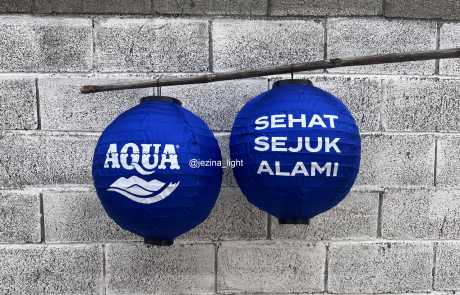
- Lampion Brand Sehat AQUA | Custom Lampion Mudah dan Murah – By Jezina Lightdinda ratnasari2026-01-05T12:38:21+07:00
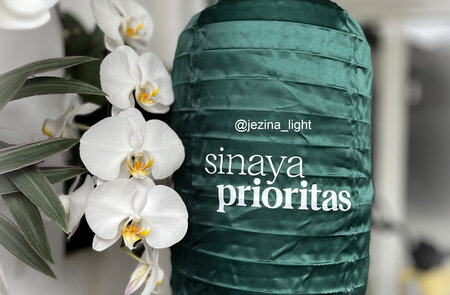
- Branding Product dengan Lampion Custom – Bank SMBC Indonesia – By Jezina Lightdinda ratnasari2025-10-23T17:02:01+07:00
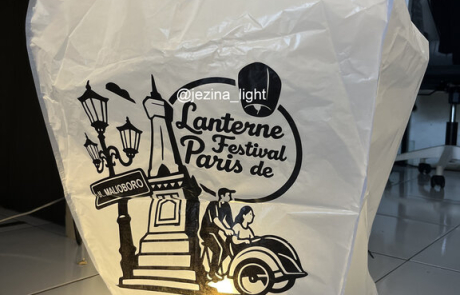
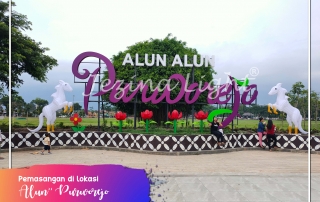
- 5000+ Lampion Terbang Siap Hiasi Langit Parangtritis pada 𝗟𝗮𝗻𝘁𝗲𝗿𝗻𝗲 𝗙𝗲𝘀𝘁𝗶𝘃𝗮𝗹 𝗱𝗲 𝗣𝗮𝗿𝗶𝘀 𝟮𝟬𝟮𝟱 – Vendor Lampion Jezina Lightdinda ratnasari2025-09-20T11:16:54+07:00
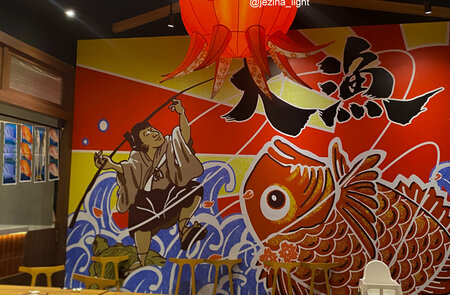
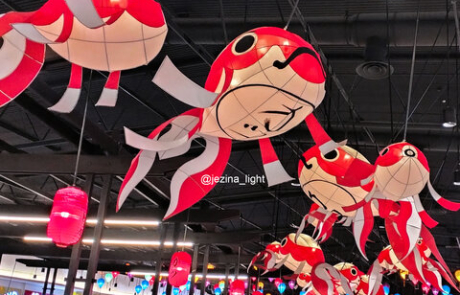
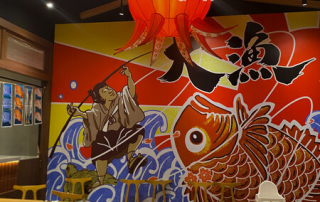
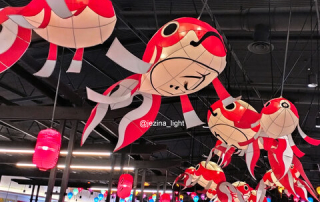
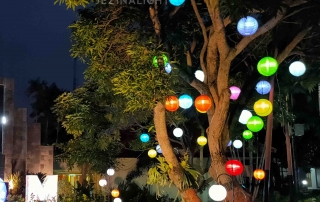
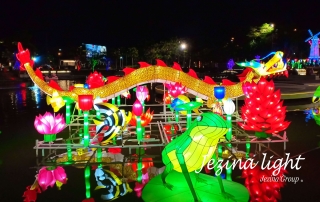
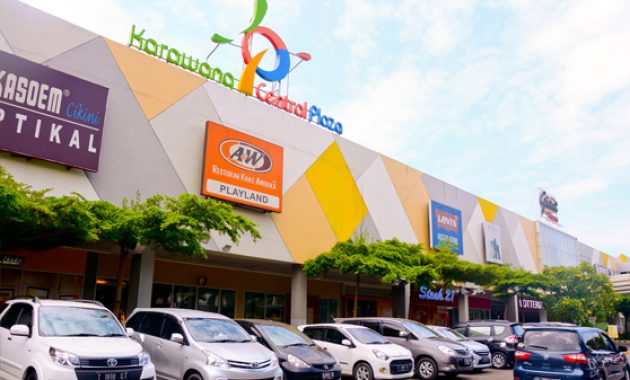
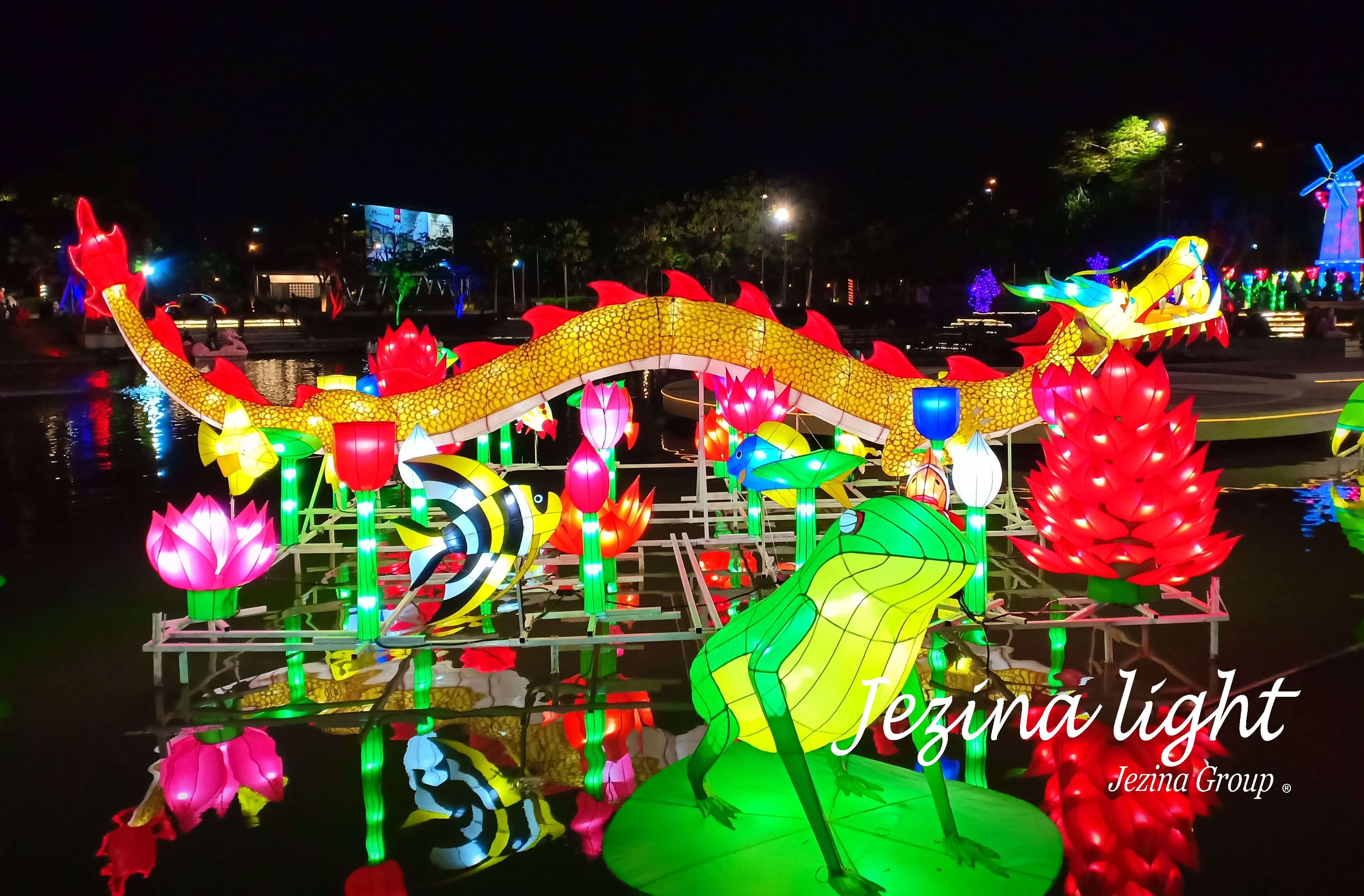
- Lampion Karakter Ikan & Taman Lampion – Food Junction Grand Pakuwon – By Jezina Lightdinda ratnasari2025-08-25T17:25:25+07:00
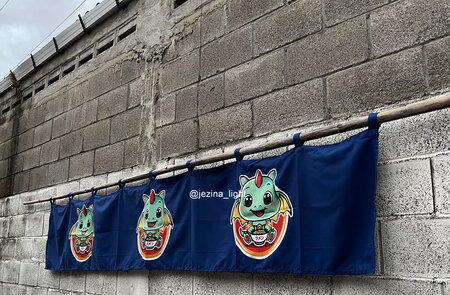
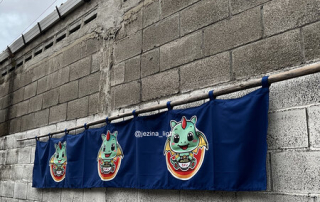
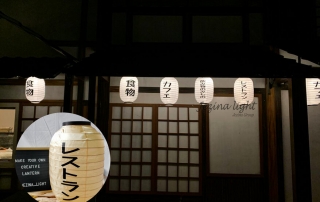
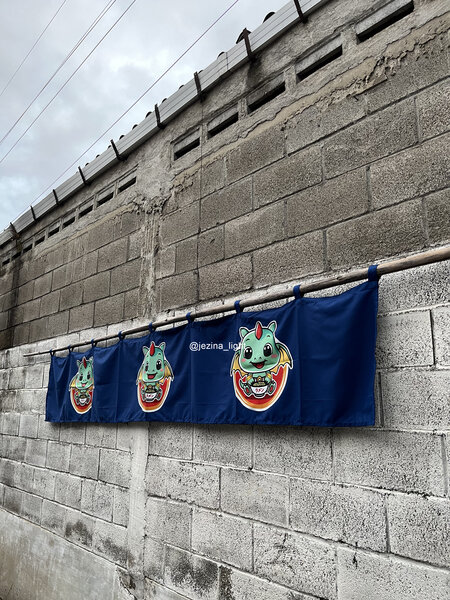
- Noren Jepang – Tirai Tradisional dengan Sentuhan Modern – By Jezina Lightdinda ratnasari2025-08-25T16:27:29+07:00
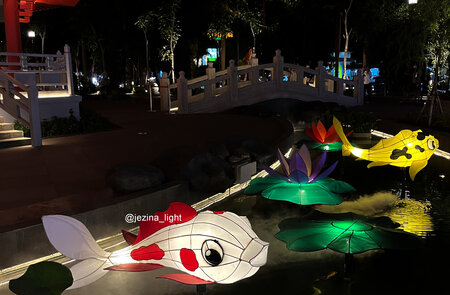
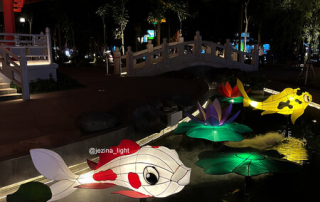
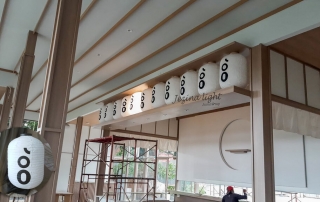
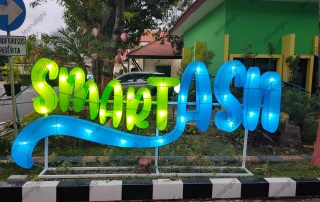
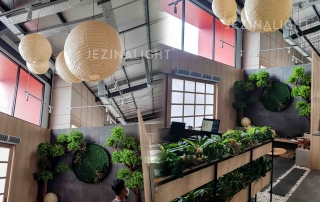
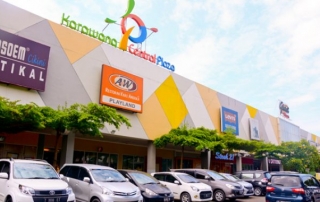
- Taman Lampion “Park Shanghai” Pakuwon Mall Surabaya – by Jezina Lightdinda ratnasari2025-08-25T15:41:05+07:00
Recent Work Carousel
The Carousel is one of the layouts included with the Recent Works shortcode. This layout is a simple way to showcase your portfolio. Determine which categories will be included or excluded. Set various settings such as fixed or auto for the picture size, how many posts to display, and the animation type, direction and speed. You can also use this shortcode with our columns shortcode.
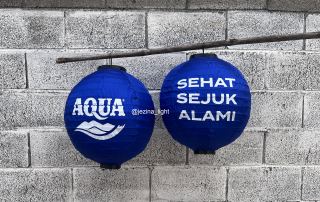
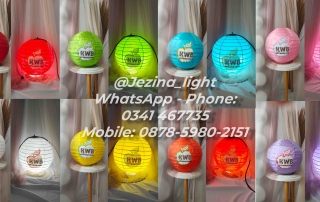
- Lampion Brand Sehat AQUA | Custom Lampion Mudah dan Murah – By Jezina Lightdinda ratnasari2026-01-05T12:38:21+07:00
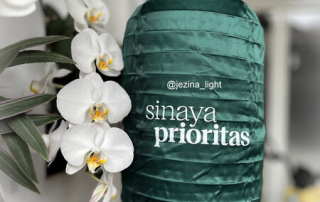
- Branding Product dengan Lampion Custom – Bank SMBC Indonesia – By Jezina Lightdinda ratnasari2025-10-23T17:02:01+07:00
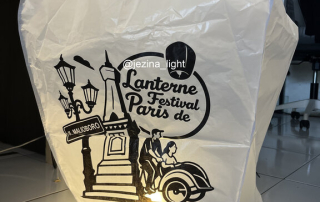
- 5000+ Lampion Terbang Siap Hiasi Langit Parangtritis pada 𝗟𝗮𝗻𝘁𝗲𝗿𝗻𝗲 𝗙𝗲𝘀𝘁𝗶𝘃𝗮𝗹 𝗱𝗲 𝗣𝗮𝗿𝗶𝘀 𝟮𝟬𝟮𝟱 – Vendor Lampion Jezina Lightdinda ratnasari2025-09-20T11:16:54+07:00
- Lampion Karakter Ikan & Taman Lampion – Food Junction Grand Pakuwon – By Jezina Lightdinda ratnasari2025-08-25T17:25:25+07:00
- Noren Jepang – Tirai Tradisional dengan Sentuhan Modern – By Jezina Lightdinda ratnasari2025-08-25T16:27:29+07:00
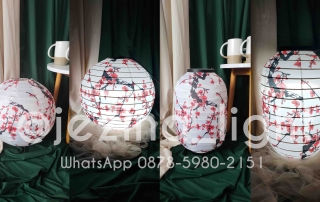
- Taman Lampion “Park Shanghai” Pakuwon Mall Surabaya – by Jezina Lightdinda ratnasari2025-08-25T15:41:05+07:00
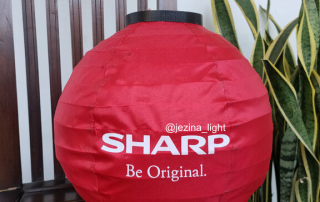
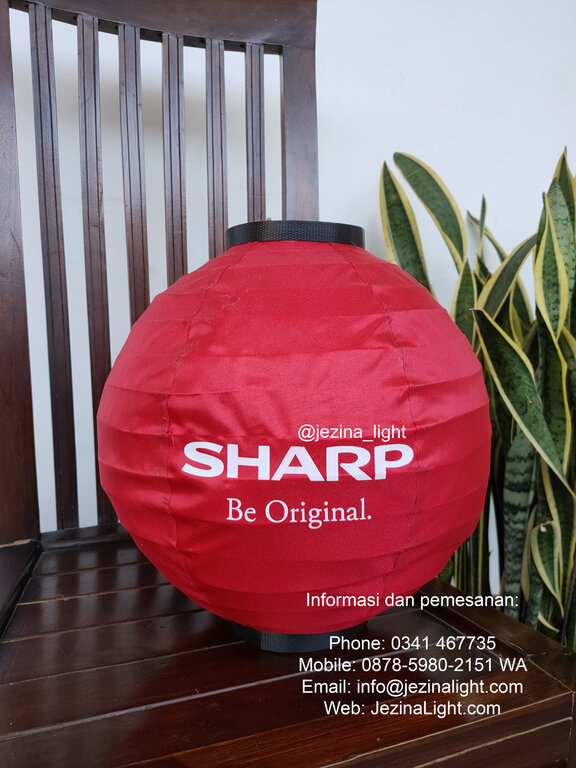
- Lampion Gantung Custom Brand – Sharp Electronic – By Jezina Lightmila hadid2024-11-22T14:00:07+07:00
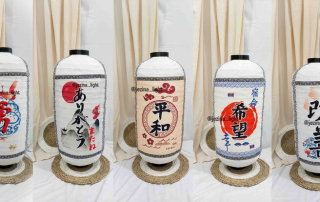
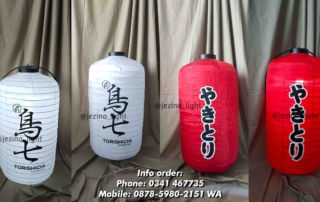
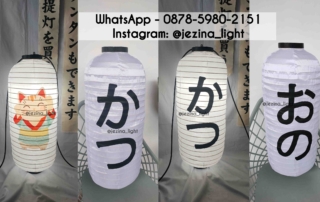
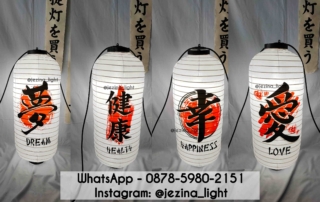
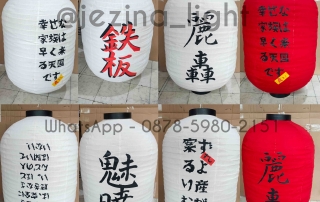
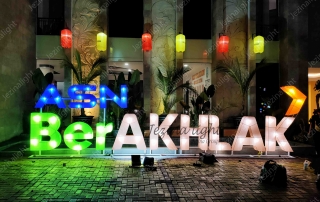
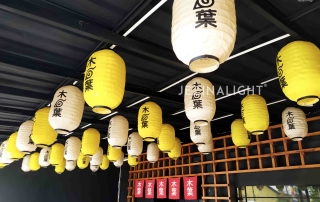
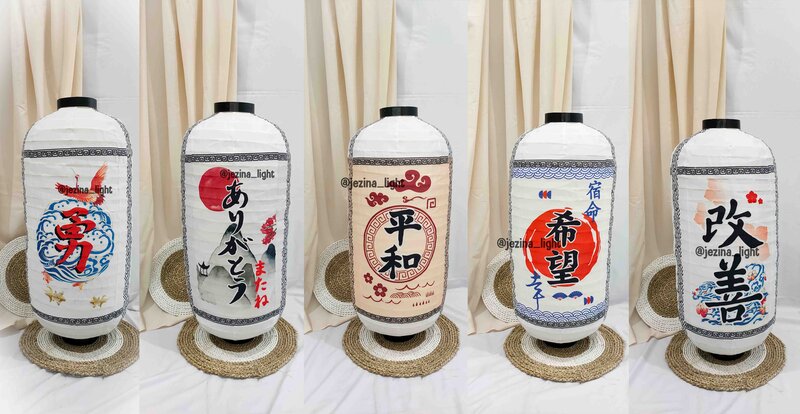
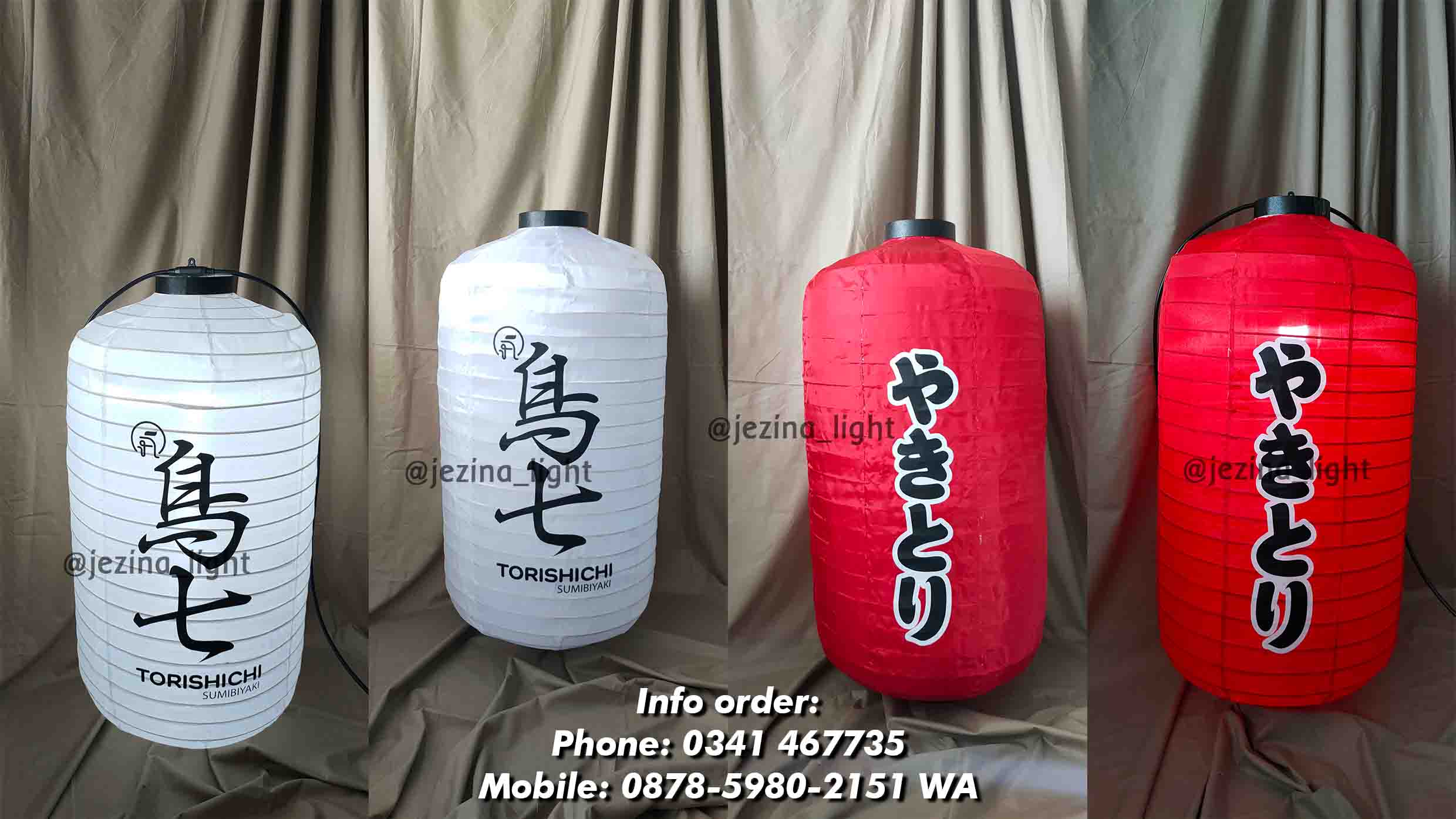
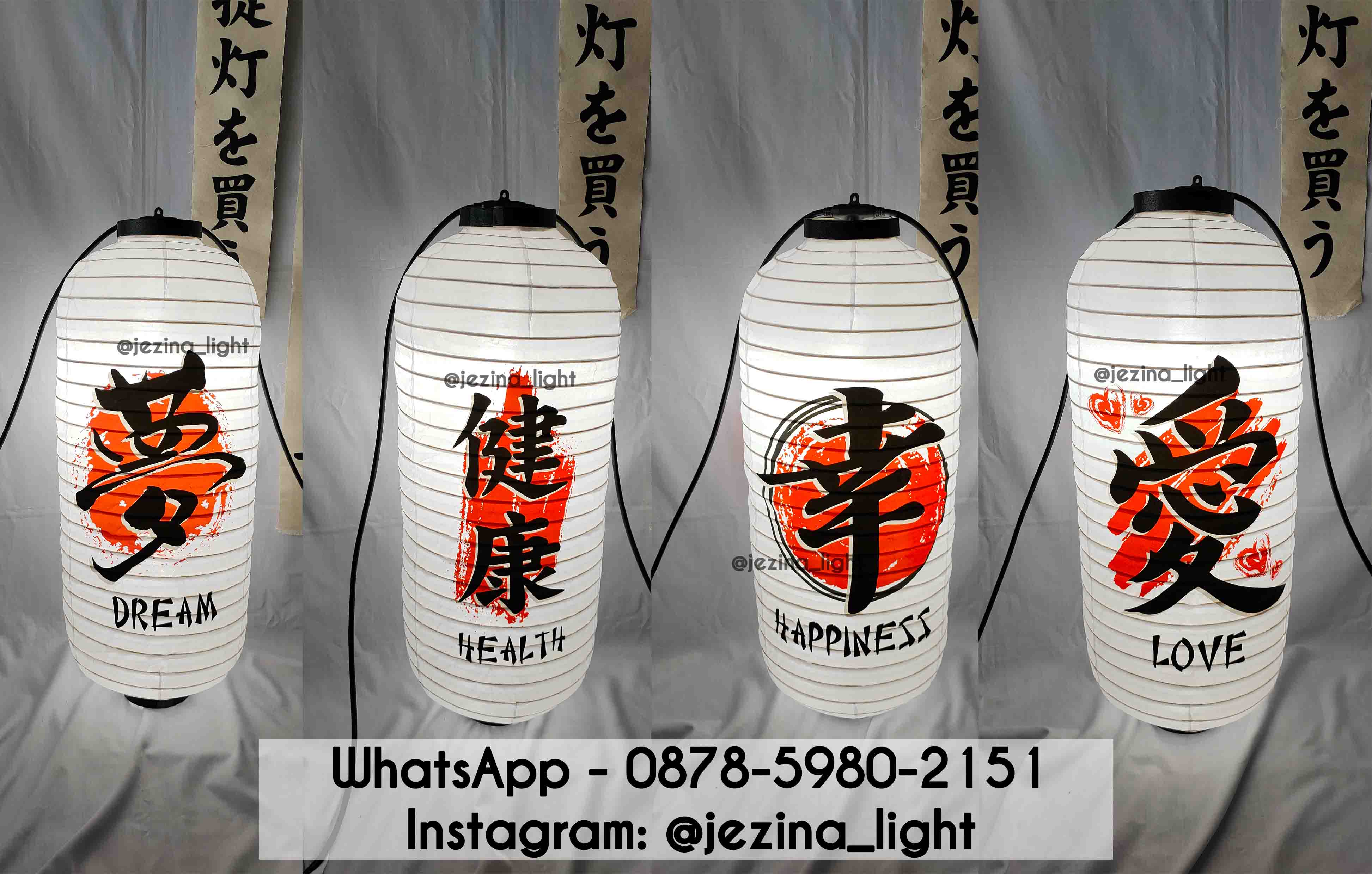
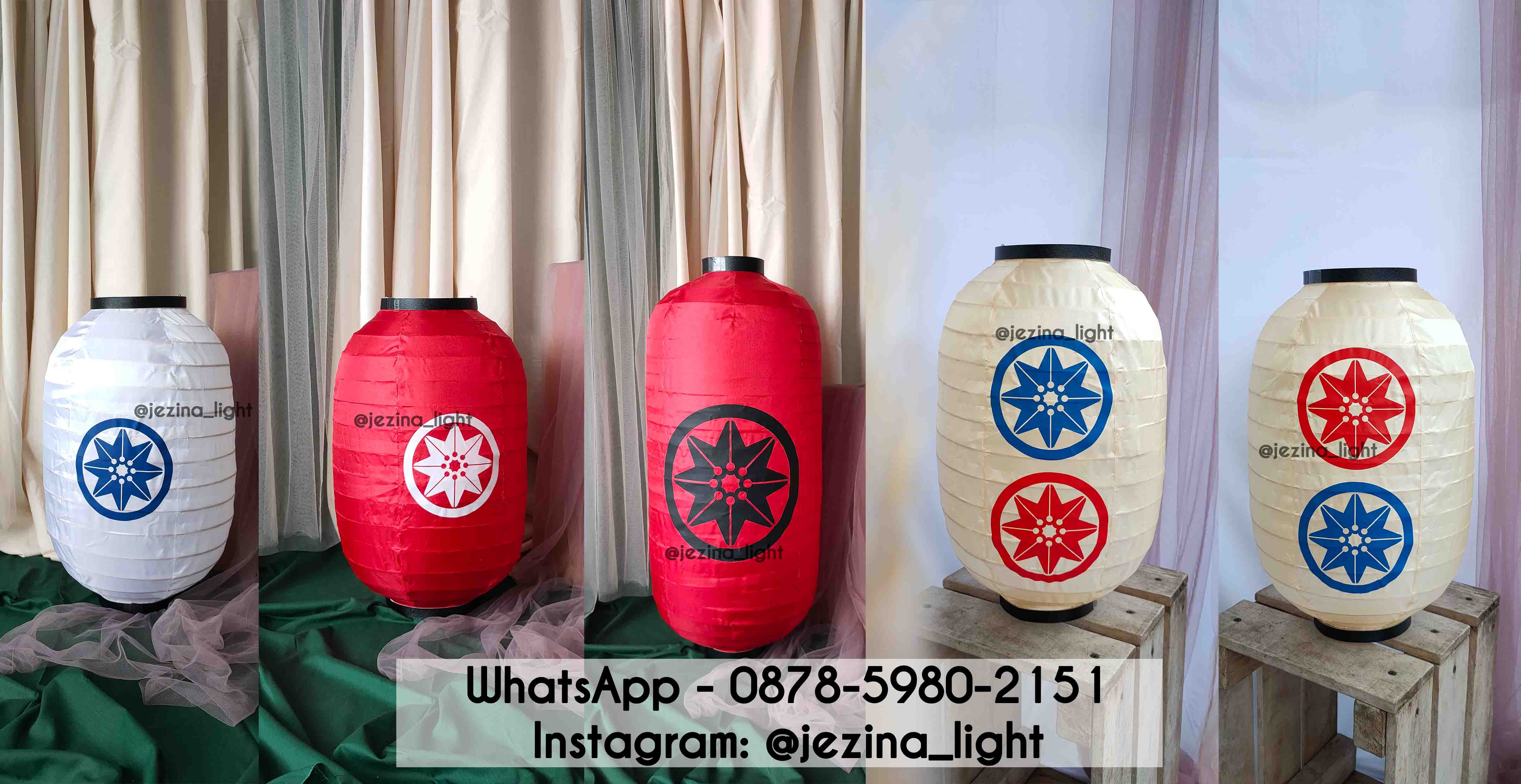
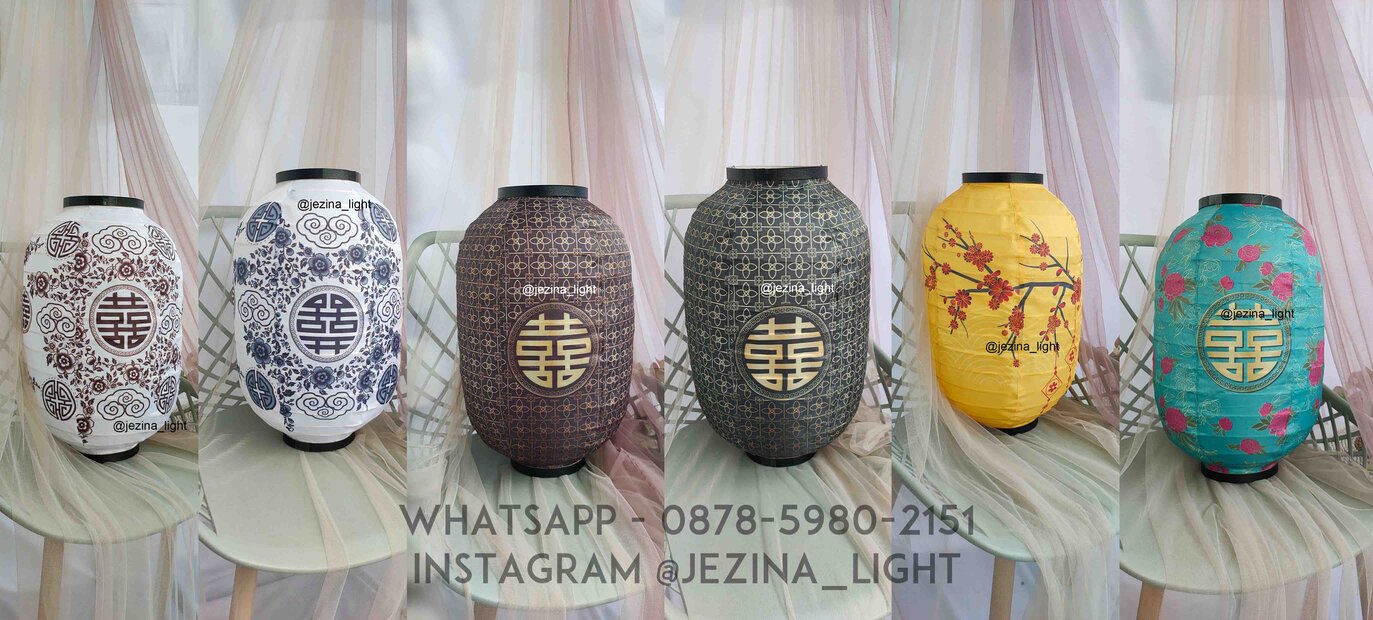
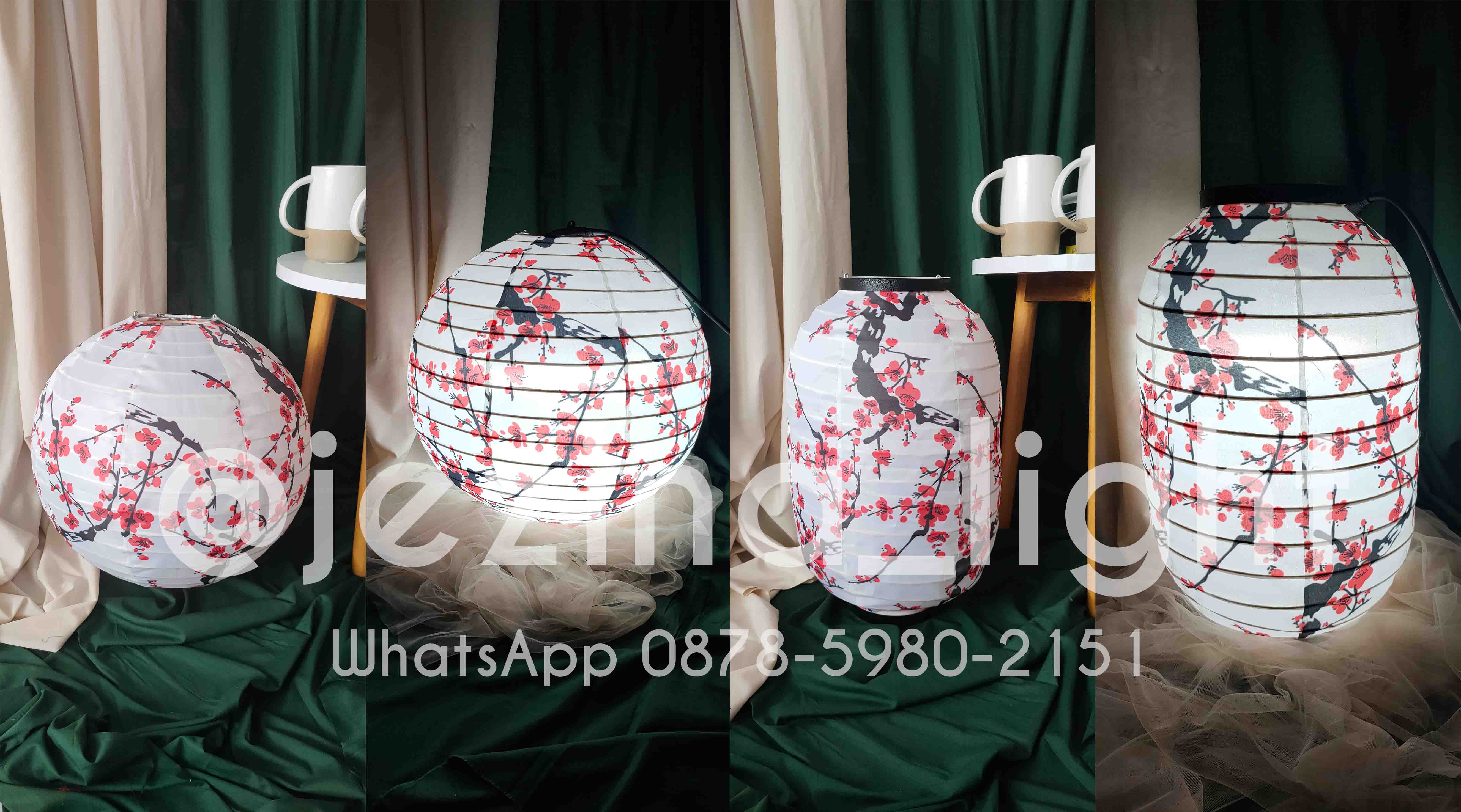
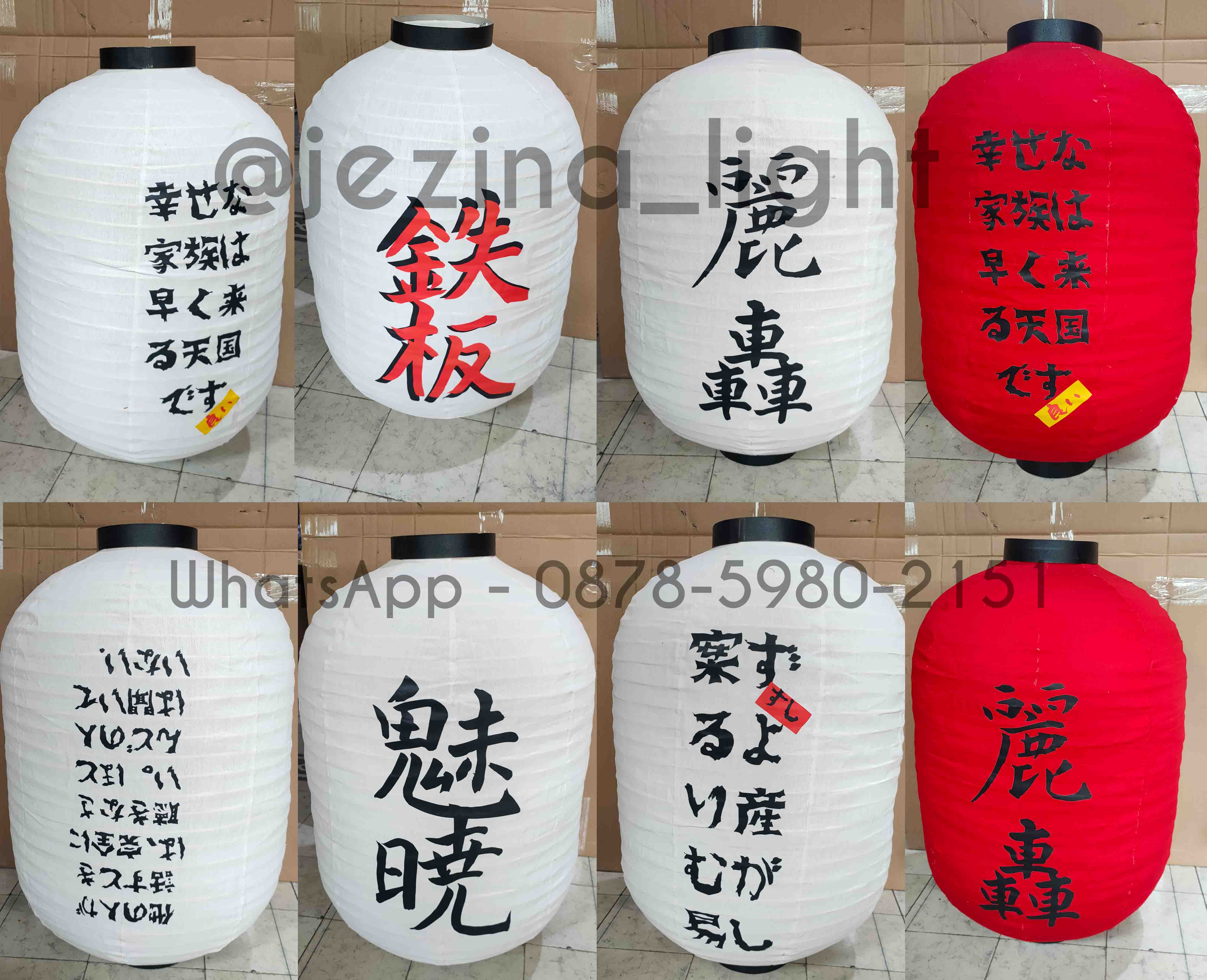
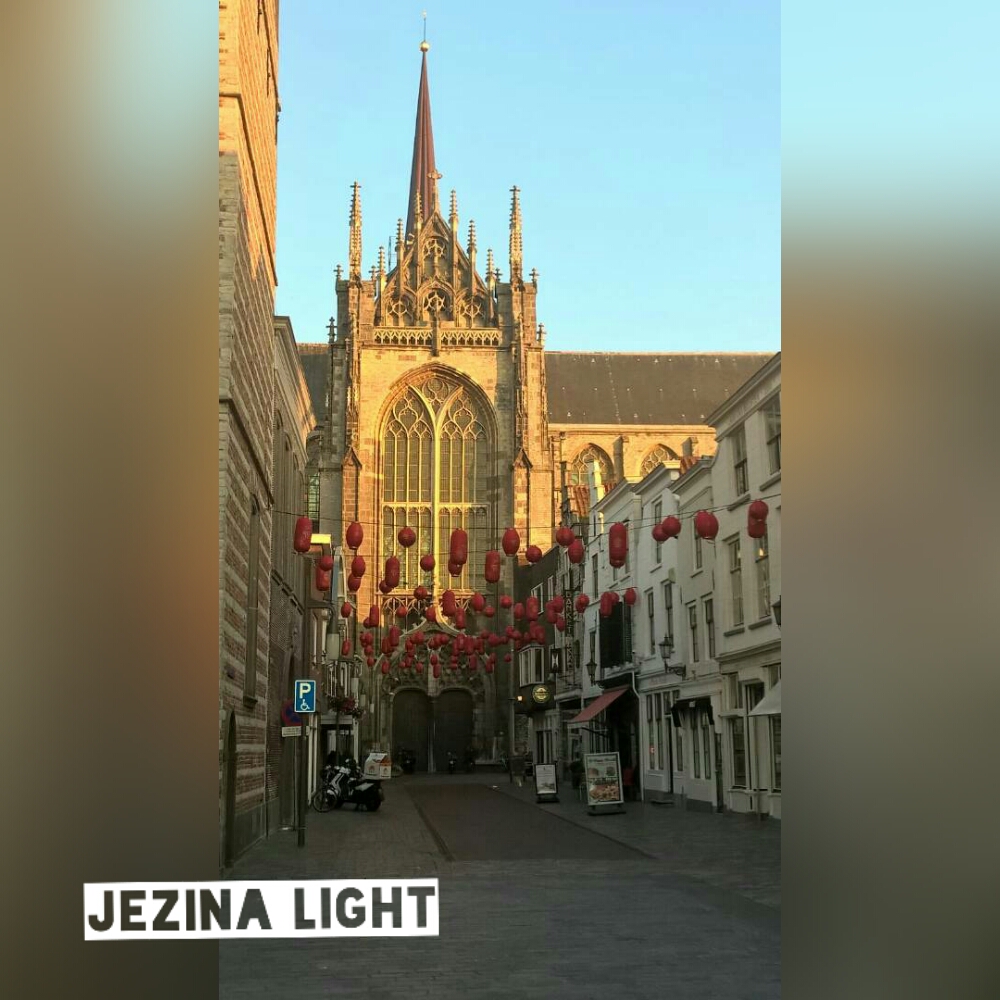
- Positive Word Japanese Lantern – Lampion Motif Jepang By Jezina Lightmila hadid2023-06-02T11:18:15+07:00
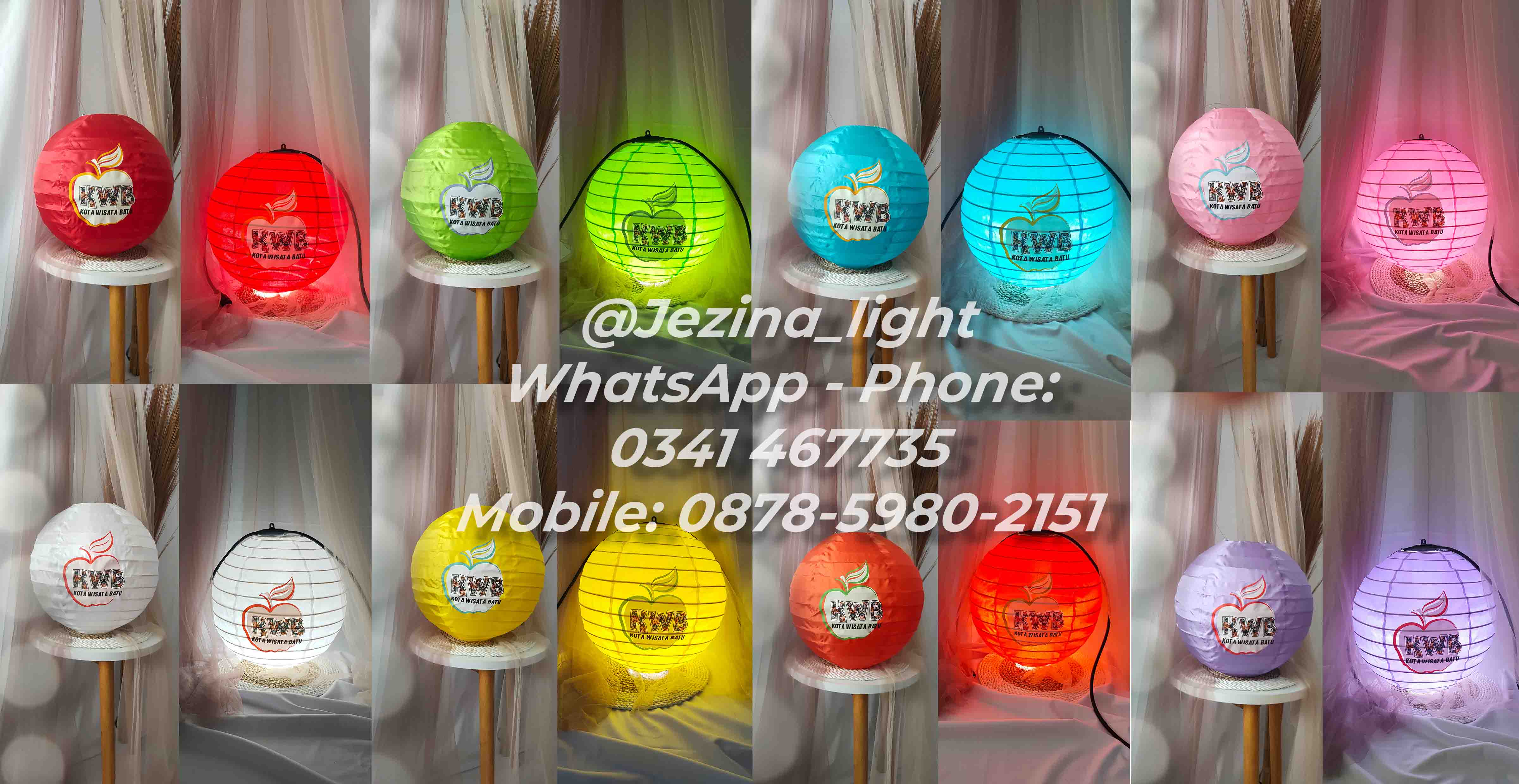
- Lampion Custom Pesanan P. Aries dari Balai Kota Among Tani Kota Batu – Kota Wisata Batumila hadid2023-09-15T16:03:28+07:00
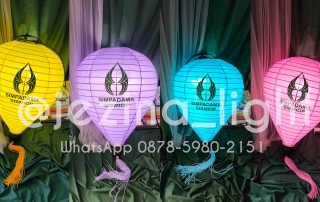
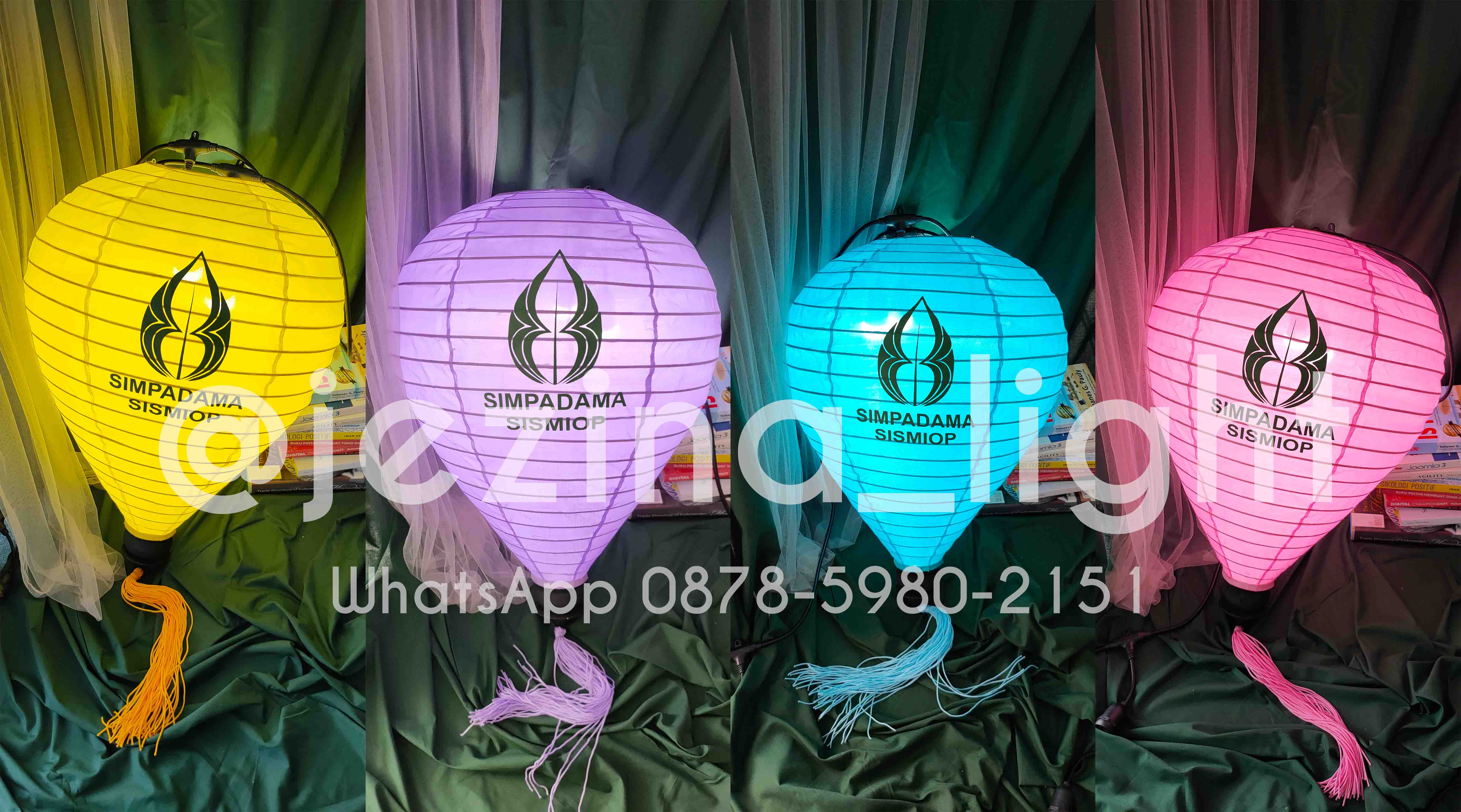
- Custom Lampion Logo SIMPADAMA SISMIOP KOTA MADIUN – Sistem Informasi Pajak Daerah Kota Madiun – by Jezina Lightmila hadid2023-01-18T16:02:44+07:00
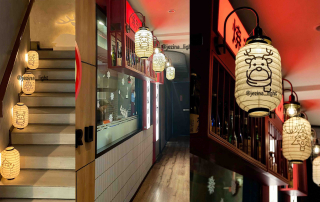
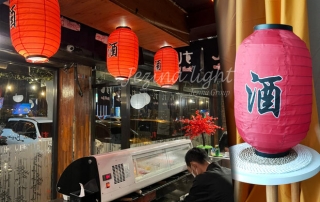
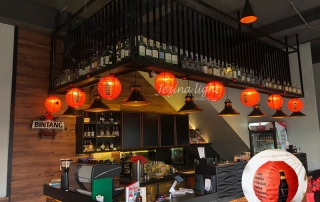
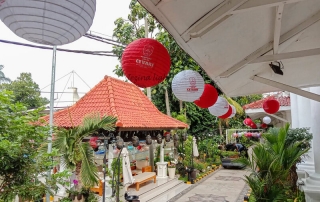
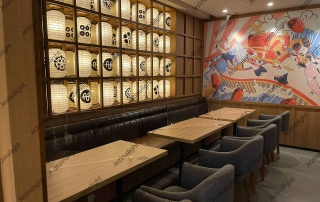
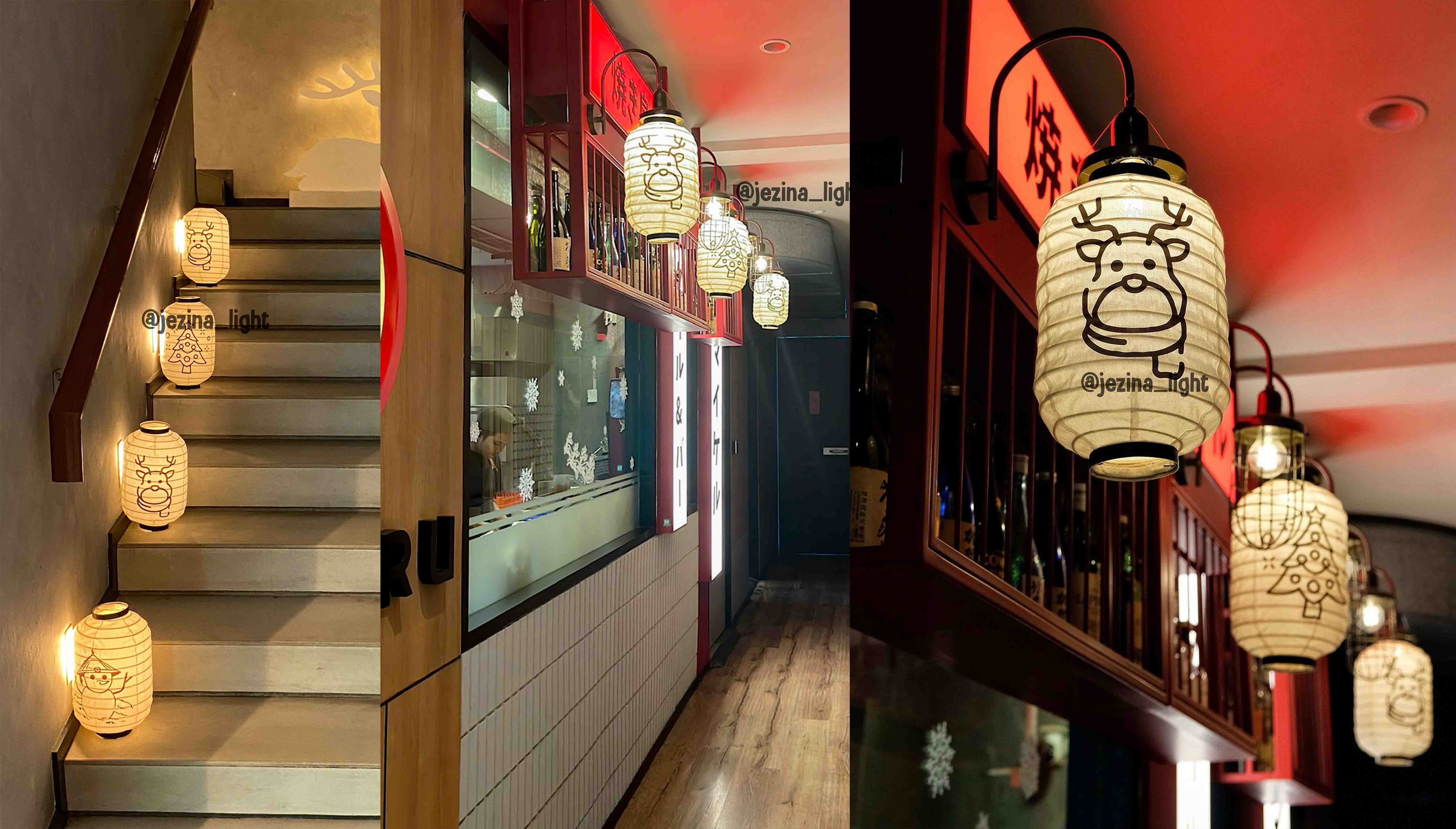
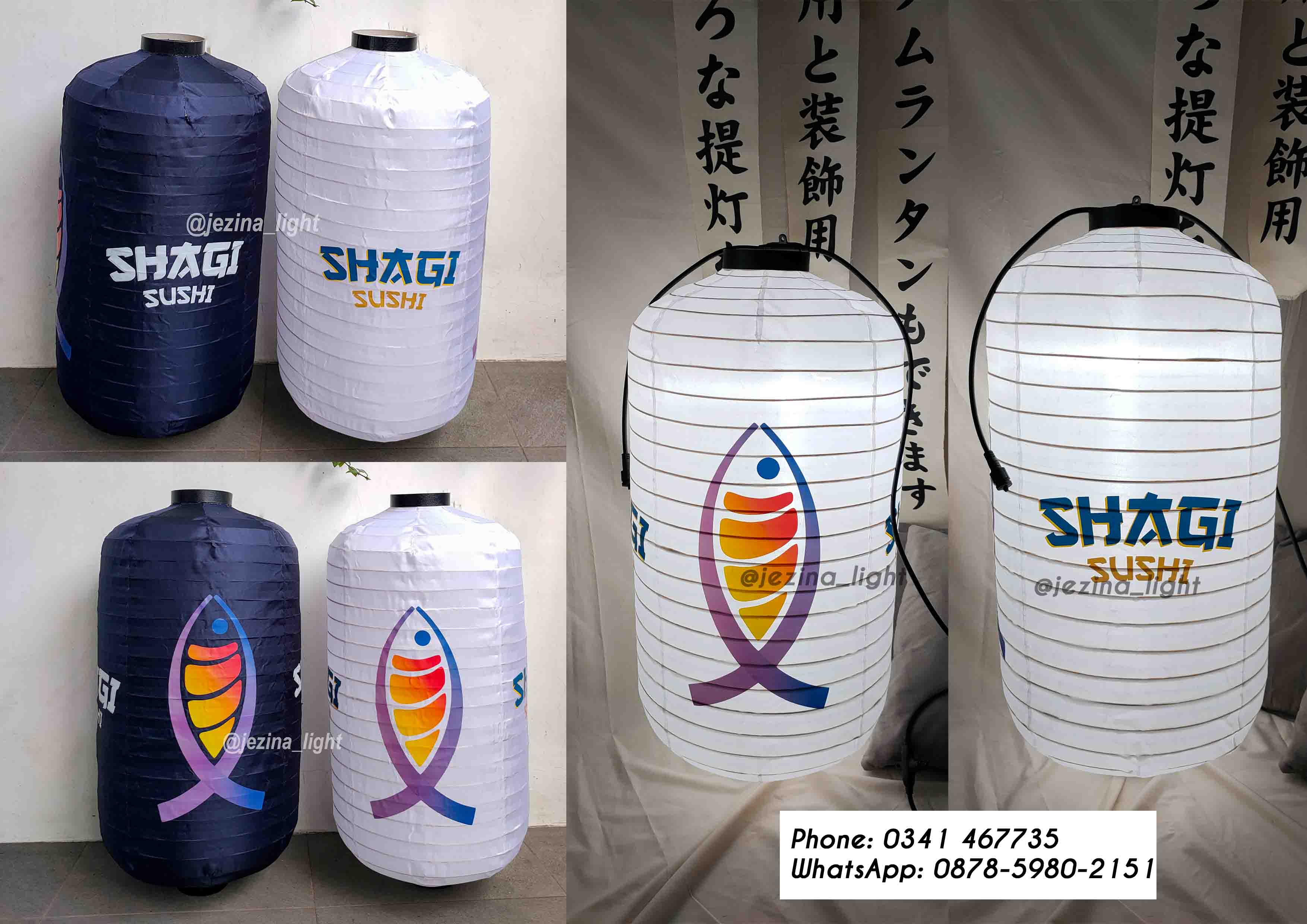
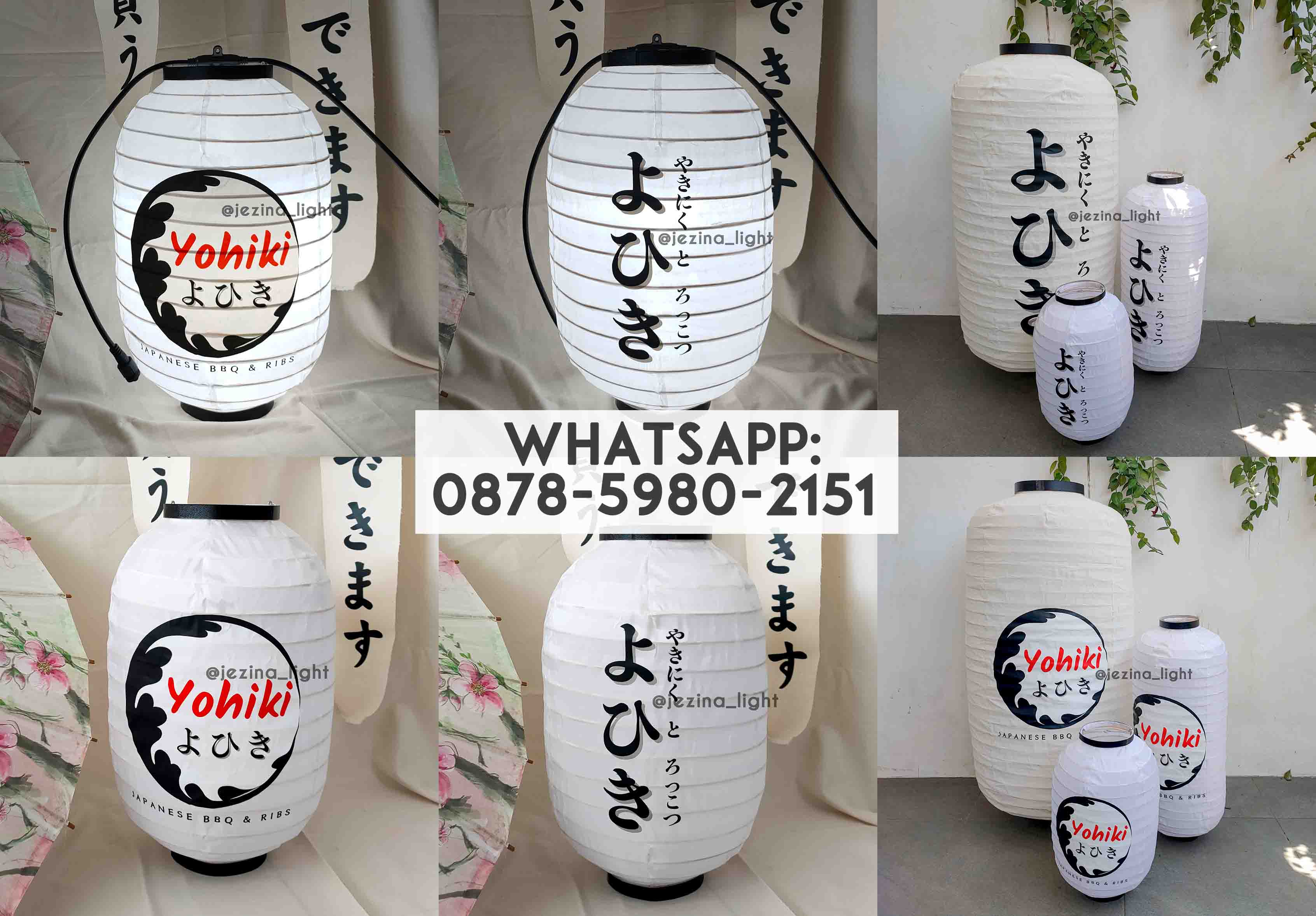
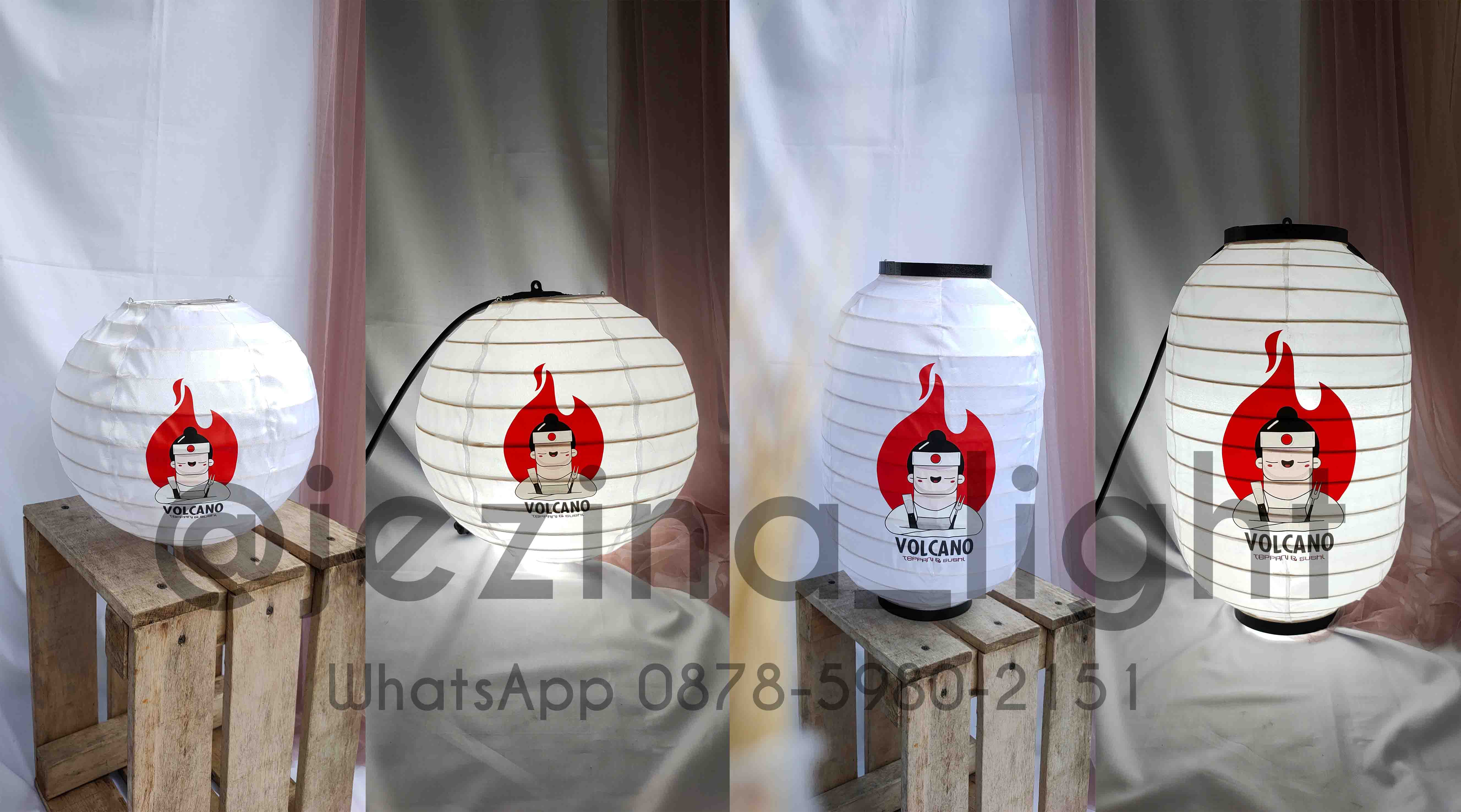
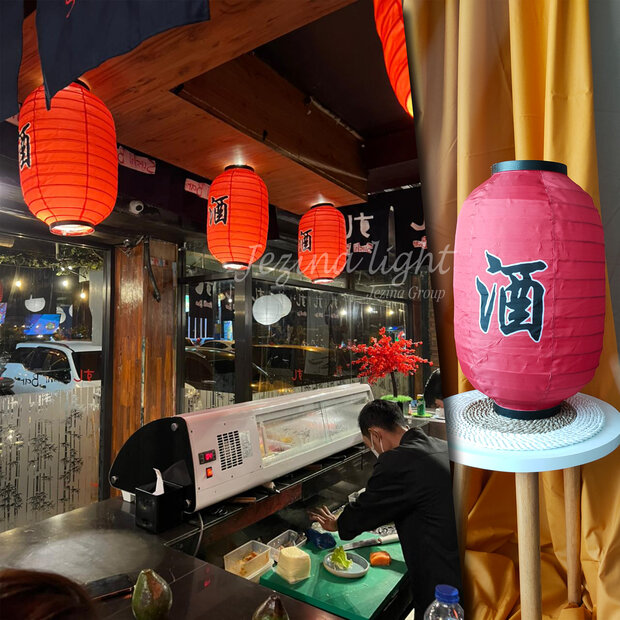
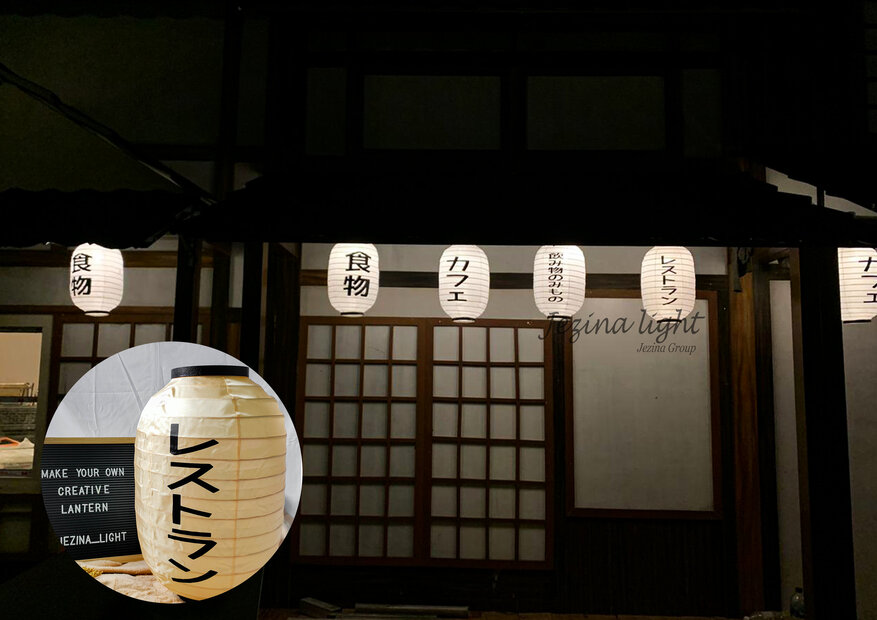
- Lampion Gantung Warunk Sushi Indonesia – Yogyakarta by Jezina Lightmila hadid2023-01-18T12:04:00+07:00
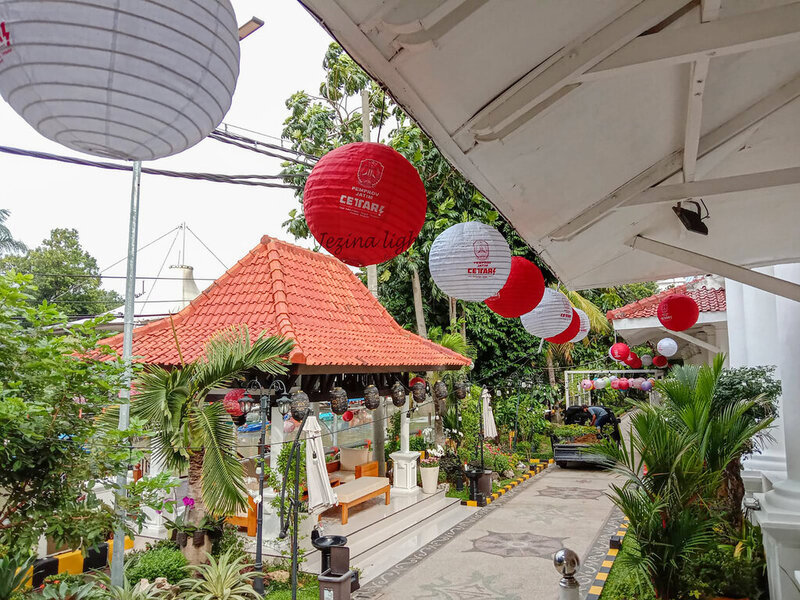
- Lampion Bulat Custom Permintaan dari Bapak Gunawan Untuk Dekorasi Gedung Negara Grahadi Surabayamila hadid2022-03-15T10:43:57+07:00


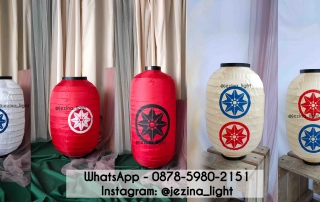
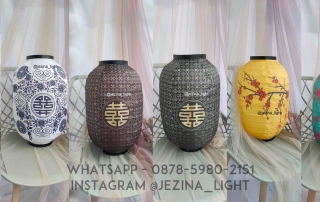
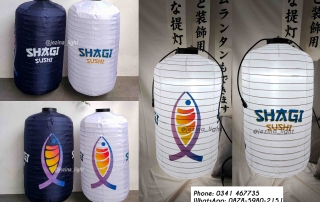
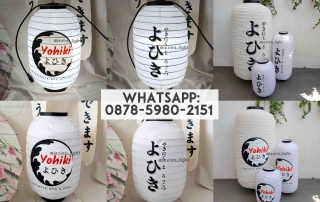








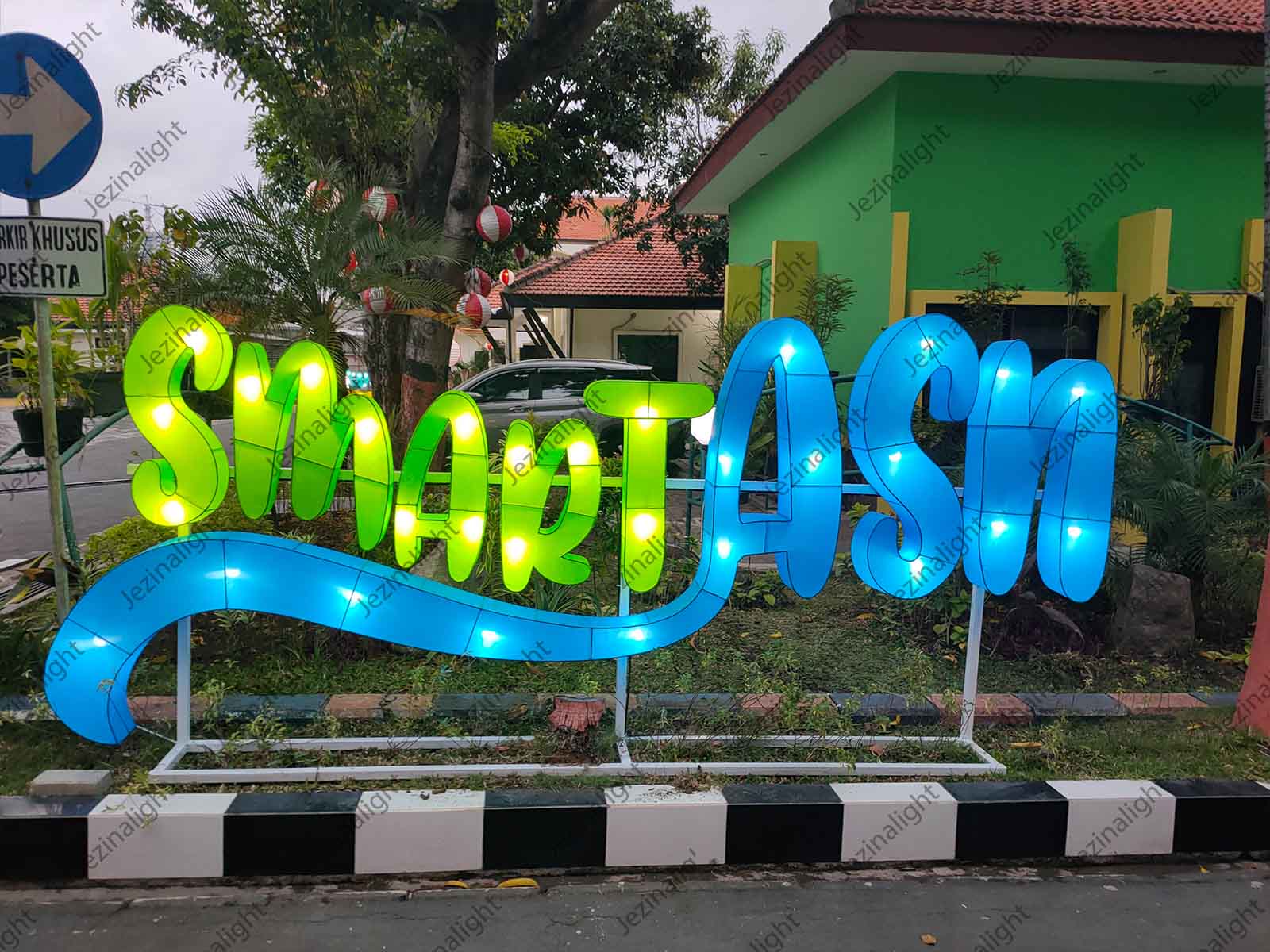

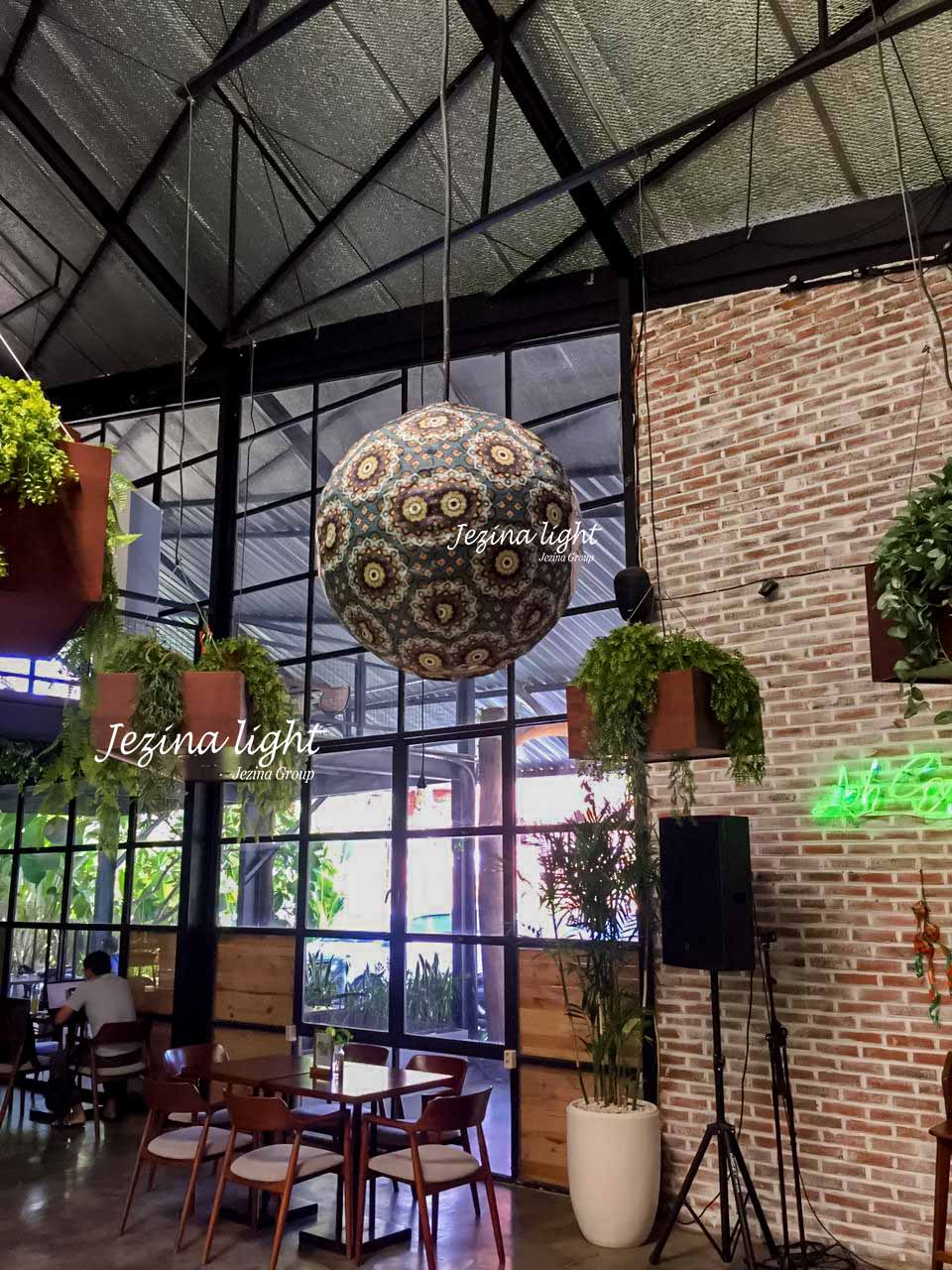
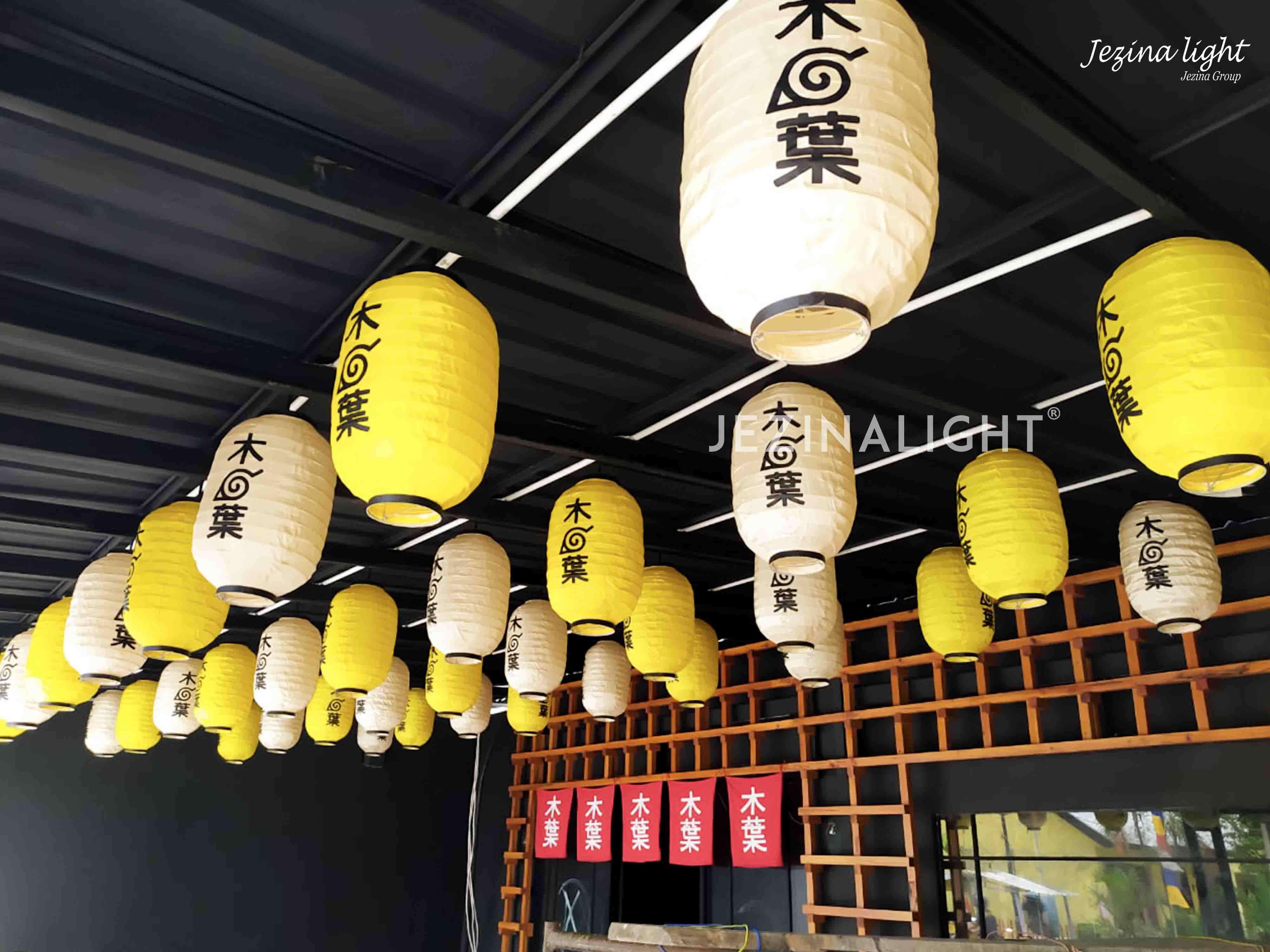


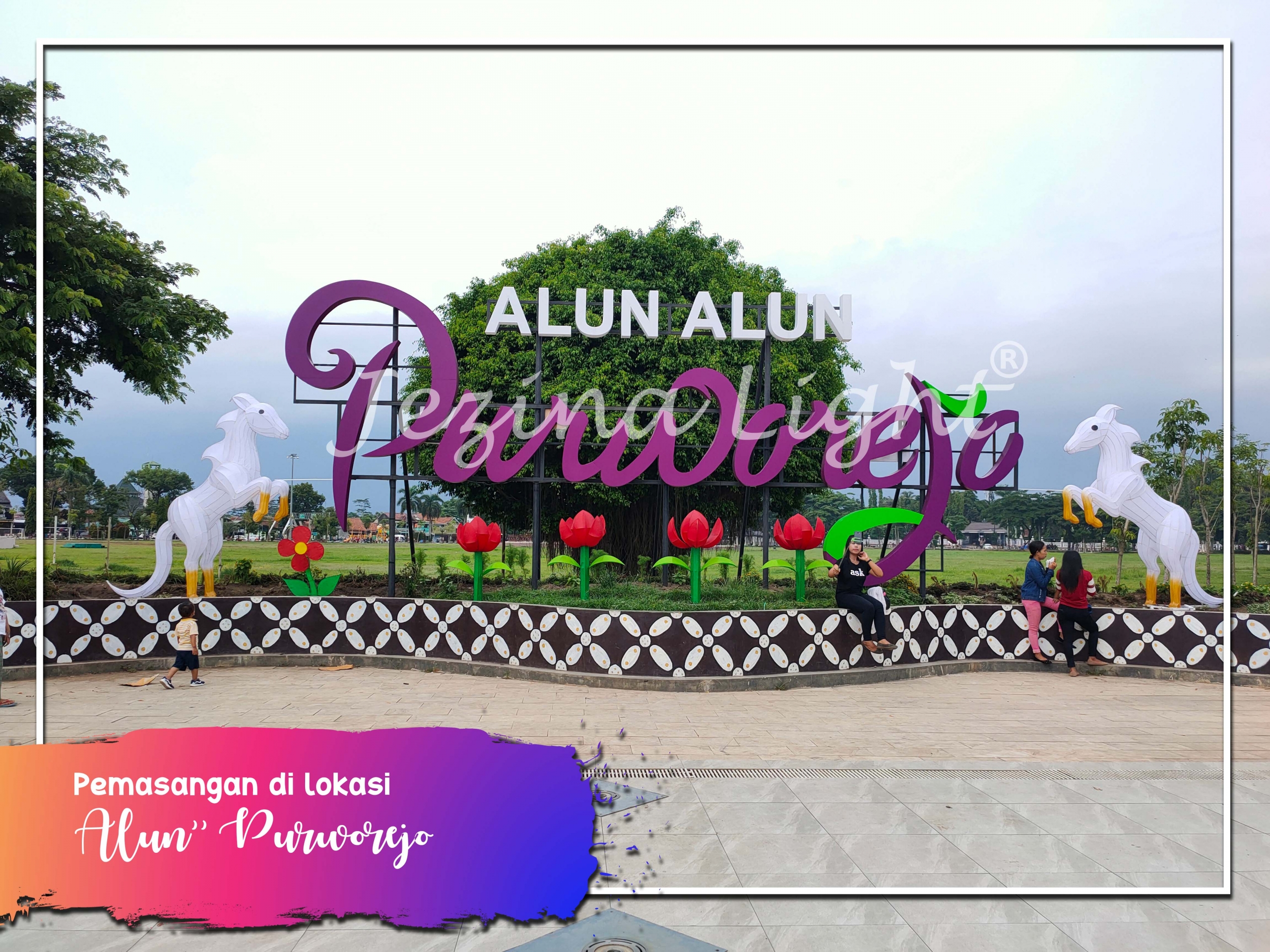
Recent Work Grid
The Grid is one of the layouts included with the Recent Works shortcode. This layout is an elegant and eye-catching way to showcase your portfolio. Show filters and determine which categories will be included or excluded. Set various settings such as fixed or auto for the picture size, how many posts to display, how many columns to display, and column spacing. Also set the animation type, direction and speed for the images. You can also use this shortcode with our columns shortcode.
Recent Work Grid With Excerpts
The Grid is one of the layouts included with the Recent Works shortcode. This layout is an informative and clever way to showcase your portfolio. Show filters and determine which categories will be included or excluded. Set various settings such as fixed or auto for the picture size, excerpt length, how many posts to display, how many columns to display, and column spacing. Also set the animation type, direction and speed for the images. You can also use this shortcode with our columns shortcode.

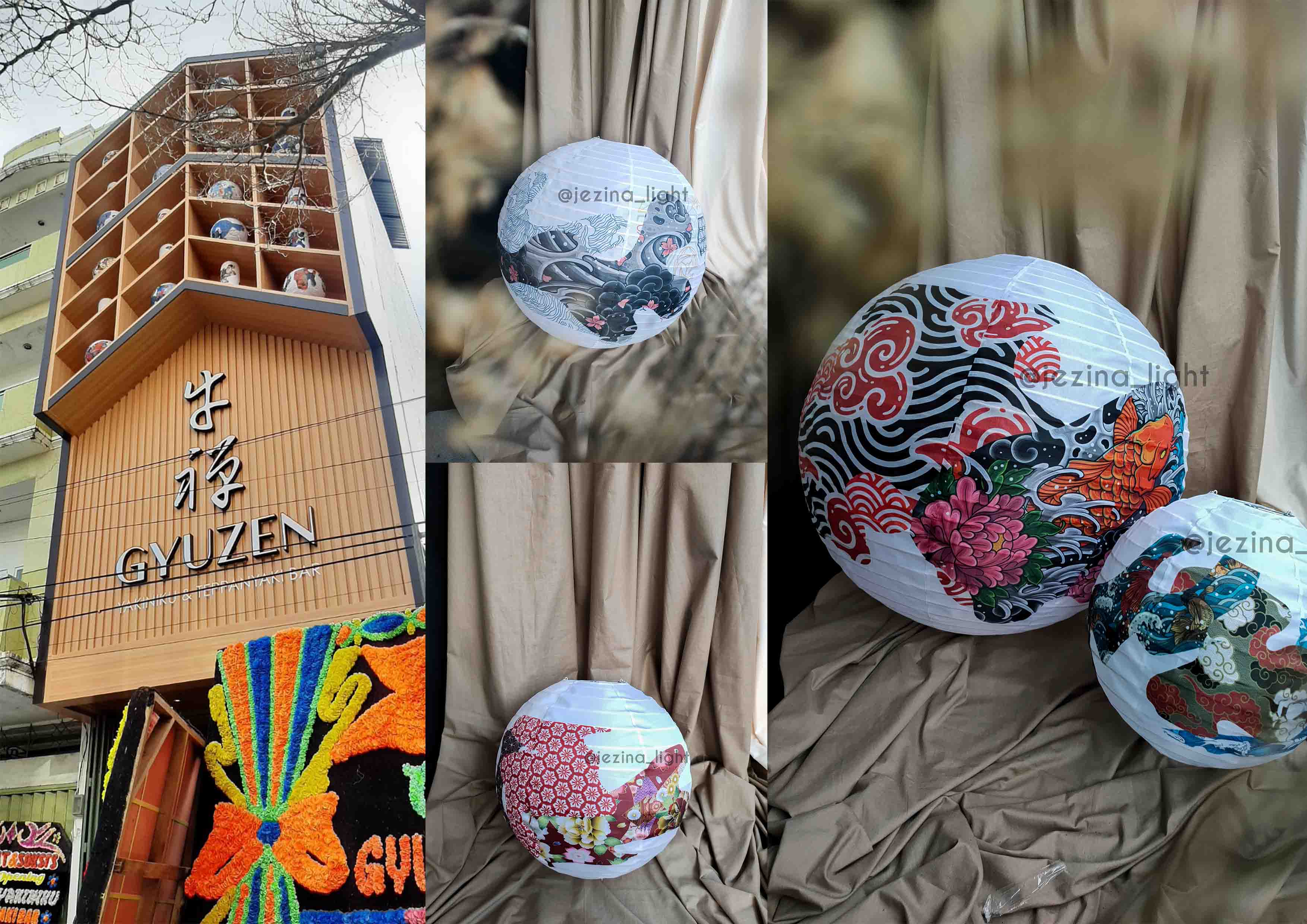
Lampion Brand Sehat AQUA | Custom Lampion Mudah dan Murah – By Jezina Light
Jezina Light menghadirkan layanan lampion custom untuk branding usaha: logo, nama brand, sampai konsep visual sesuai tema tempat. Cocok untuk restoran, cafe, hotel, event, booth, dan dekorasi festival—membuat area lebih “hidup”, fotogenik, dan mudah diingat [...]

Branding Product dengan Lampion Custom – Bank SMBC Indonesia – By Jezina Light
Dekorasi Lampion Custom Branding — Menyulap Cahaya Lampion Jadi Identitas Brand Anda Kami menyediakan berbagai pilihan bentuk dan ukuran lampion, mulai dari lampion Jepang klasik hingga model modern dengan bahan tahan cuaca.Setiap desain dapat disesuaikan [...]

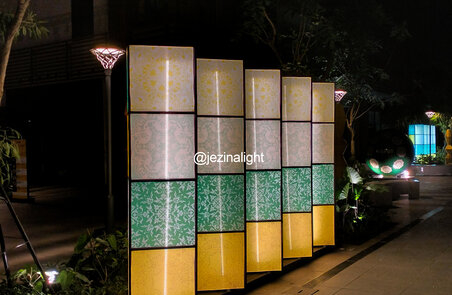
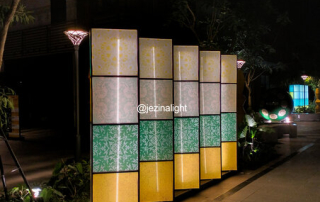
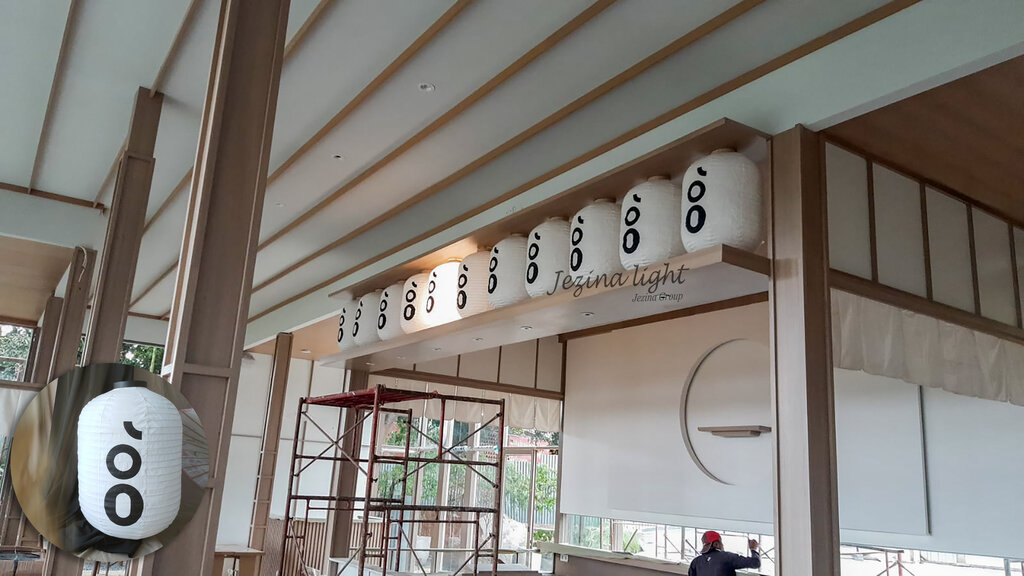
Ide Dekorasi dan Partisi dengan Totem Box – By Jezina Light
💡 Kelebihan Dekorasi Totem Box: Memberi kesan ruang yang lebih dinamis dan modern Dapat difungsikan sebagai elemen pencahayaan dekoratif Fleksibel untuk berbagai konsep interior (restoran, kafe, galeri, kantor) Menambah nilai visual tanpa mengurangi fungsi ruang [...]
Lampion Brand Sehat AQUA | Custom Lampion Mudah dan Murah – By Jezina Light
Jezina Light menghadirkan layanan lampion custom untuk branding usaha: logo, nama brand, sampai konsep visual sesuai tema tempat. Cocok untuk restoran, cafe, hotel, event, booth, dan dekorasi festival—membuat area lebih “hidup”, fotogenik, dan mudah diingat [...]
Branding Product dengan Lampion Custom – Bank SMBC Indonesia – By Jezina Light
Dekorasi Lampion Custom Branding — Menyulap Cahaya Lampion Jadi Identitas Brand Anda Kami menyediakan berbagai pilihan bentuk dan ukuran lampion, mulai dari lampion Jepang klasik hingga model modern dengan bahan tahan cuaca.Setiap desain dapat disesuaikan [...]
Ide Dekorasi dan Partisi dengan Totem Box – By Jezina Light
💡 Kelebihan Dekorasi Totem Box: Memberi kesan ruang yang lebih dinamis dan modern Dapat difungsikan sebagai elemen pencahayaan dekoratif Fleksibel untuk berbagai konsep interior (restoran, kafe, galeri, kantor) Menambah nilai visual tanpa mengurangi fungsi ruang [...]
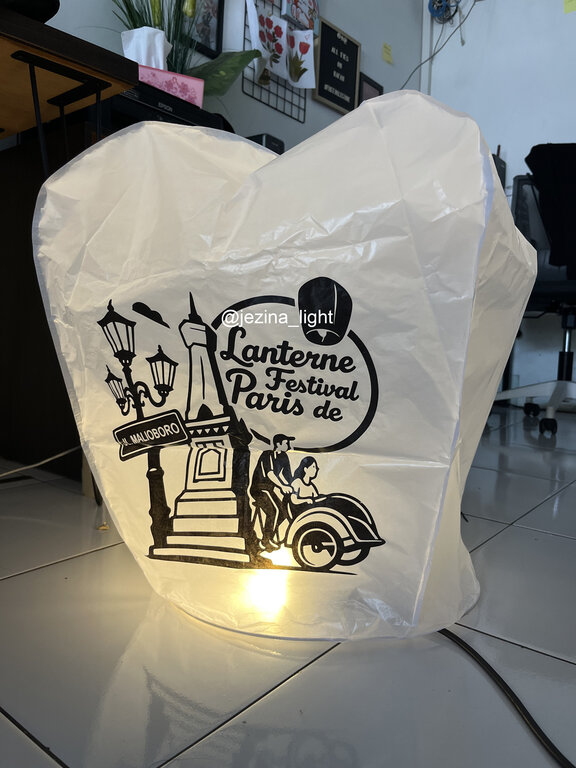
5000+ Lampion Terbang Siap Hiasi Langit Parangtritis pada 𝗟𝗮𝗻𝘁𝗲𝗿𝗻𝗲 𝗙𝗲𝘀𝘁𝗶𝘃𝗮𝗹 𝗱𝗲 𝗣𝗮𝗿𝗶𝘀 𝟮𝟬𝟮𝟱 – Vendor Lampion Jezina Light
🎨 Tentang KaryaSetiap lampion dibuat dengan desain khusus — mulai dari pola tradisional, ilustrasi modern, hingga konsep tematik seperti festival budaya, pernikahan, atau event perusahaan. Proses kreatifnya meliputi: Perancangan visual sesuai request klien Pemilihan warna [...]
Complete Set of Options
Every option and description included with the recent works shortcode is listed below.
- picture_size – Can be one of these values: fixed, or auto. Sets picture size to fixed or not.
- layout – Can be one of these values: grid, grid-with-text, or carousel. Sets the layout of the shortcode.
- boxed_text – Custom setting for grid-with-text layout. Can be one of these values: boxed, or unboxed. This will enable or disable a boxed layout.
- filters – Can be one of these values: yes, or no. This will show or hide the filters.
- columns – Can be one of these values: 1, 2, 3, 4, 5, or 6. Sets the number of columns to be displayed. Only works with grid, or grid-with-text layouts.
- column_spacing – Accepts a numerical value to set column spacing. For example, 7. Only works with grid, or grid-with-text layouts.
- cat_slug – The slug name of the category from which you want the posts to be displayed. Use a comma for multiple categories.
- exclude_cats – The slug name of the category you want to exclude. Use a comma for multiple categories.
- number_posts – Accepts a numerical value to show how many posts are displayed. For example, 7.
- excerpt_length – Accepts a numerical value to show how many characters or words your excerpt will be. For example, 15.
- animation_type – Can be one of these values: none, bounce, fade, flash, shake, or slide. Sets the animation to use on the shortcode.
- animation_direction – Can be one of these values: down, right, left, or up. Sets the incoming direction for the animation.
- animation_speed – Accepts a numerical value from .1, which is the slowest, to 1, which is the fastest.
- class – Add a custom class to the wrapping HTML element for further css customization.
- id – Add a custom id to the wrapping HTML element for further css customization.